
How to keep the places you see on TikTok, Instagram and Pinterest
A rooftop in Hong Kong seen in a TikTok, a café in Lisbon in a Reel: you saw them go by, then lost them. A simple way to keep those places and find them again the day you leave.
38.6431 N 34.8289 E
Share a TikTok, an Instagram Reel or a Pinterest pin: the AI finds the places and organises your trip day by day, with the budget and your documents.
TikTok · Instagram Reels · Pinterest · YouTube Shorts
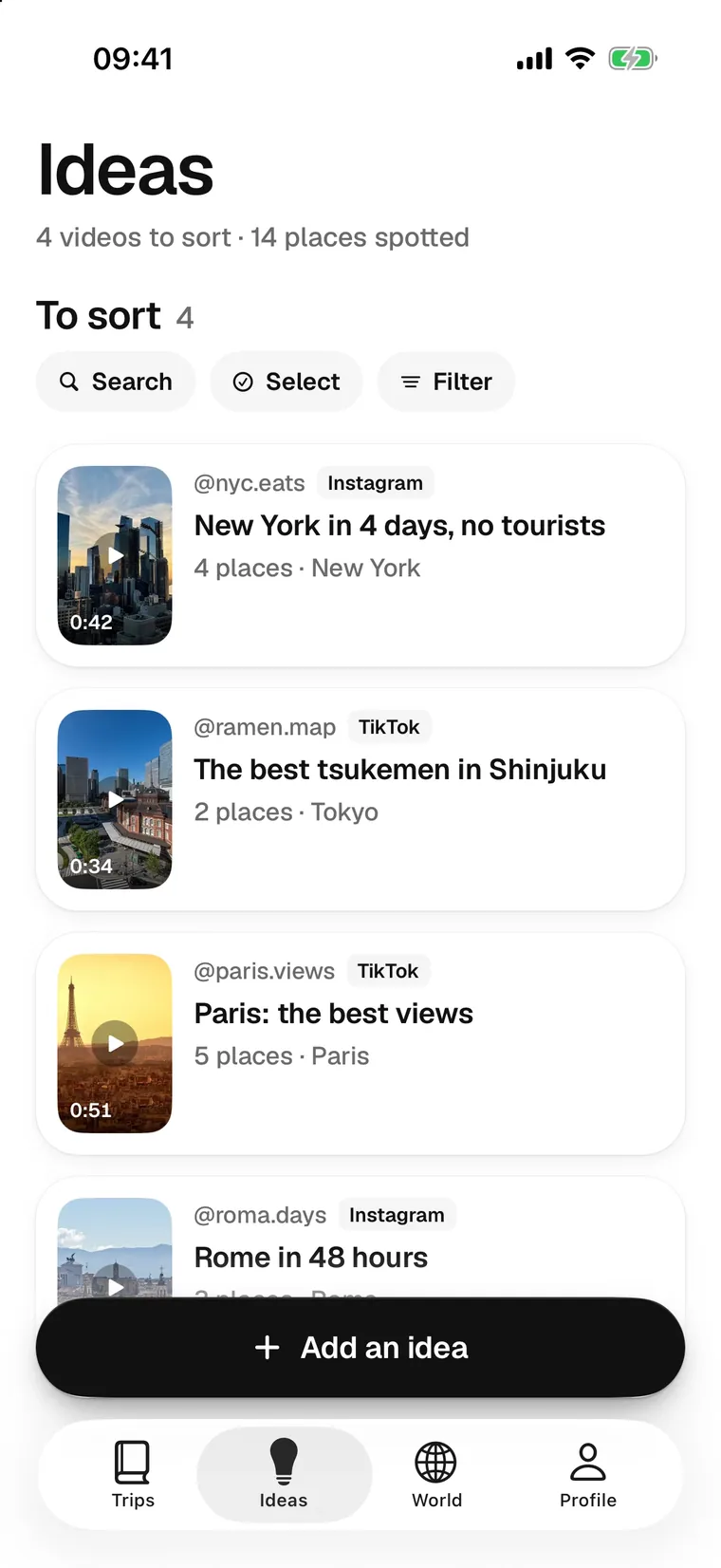
Share it to Travla. Its AI reads the caption, finds the places and files them in a trip, day by day. Budget and documents included.
Hong Kong22.3193 N 114.1694 E Shanghai31.2304 N 121.4737 E
 Chicago41.8781 N 87.6298 W
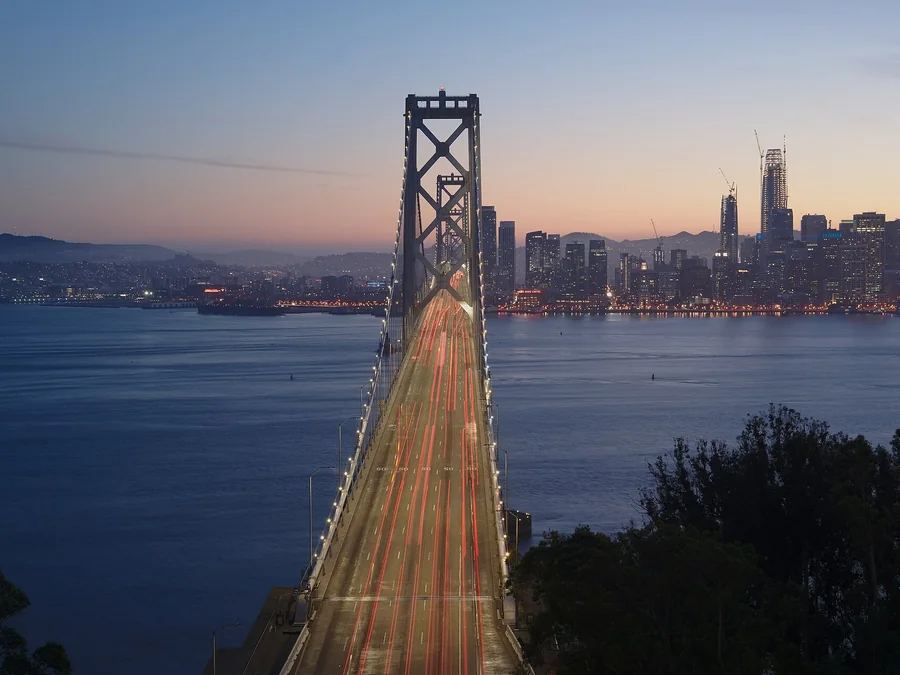 San Francisco37.7749 N 122.4194 W

In 42 days51.5072 N 0.1276 W
 Travla
Under a TikTok, an Instagram Reel or a Pinterest pin, tap Share, then Travla. The AI reads the post’s text, spots the places mentioned and pins them on a map. You keep the ones you want.
It also works with YouTube Shorts and Facebook, a pasted link, a screenshot, or by hand.
4 places found
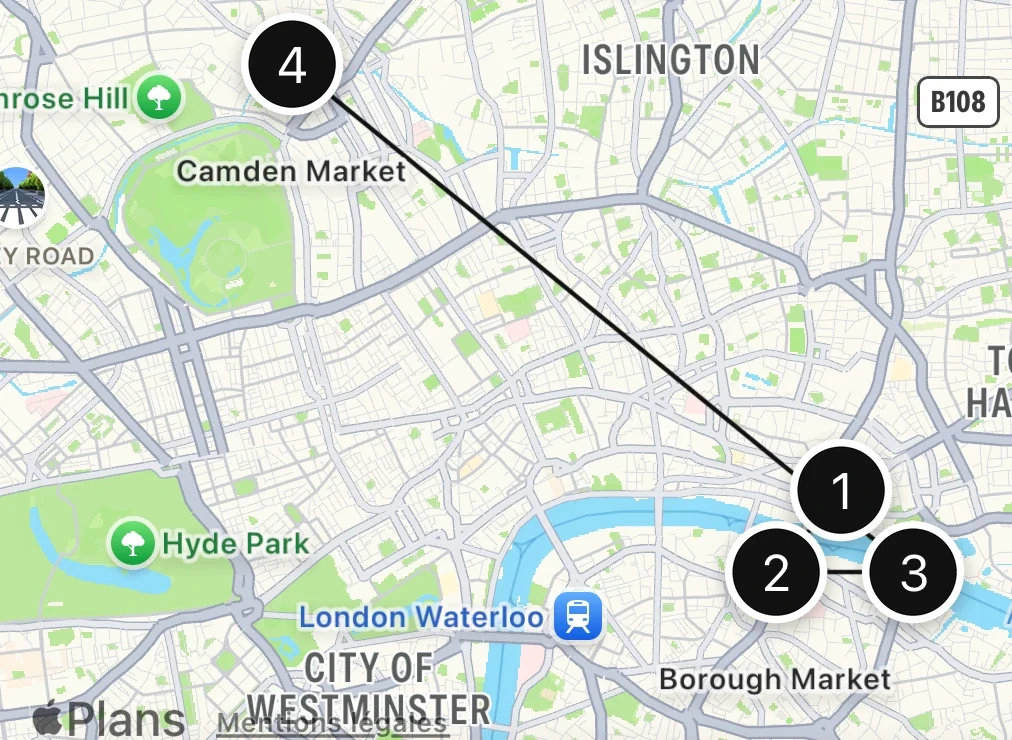

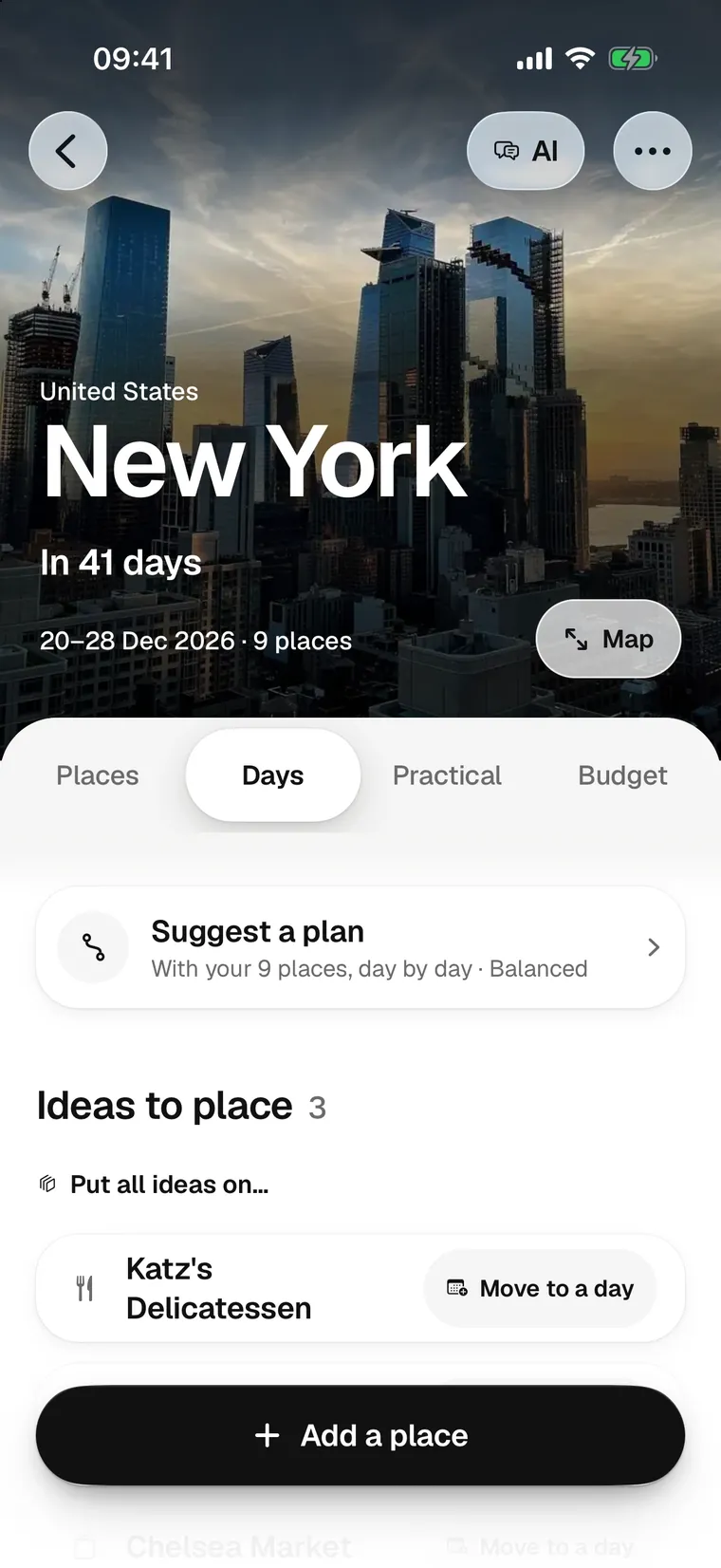
Put your places on the days, by hand or by asking the AI for a plan at your pace. Travla puts a day in the shortest order and draws the route on the map.
Prefer to talk it through? The trip's AI knows your places, your dates and your bookings. It suggests, you decide.
An AI that knows your places, your dates and your bookings. It builds a trip with you, fills your days and answers your questions. It suggests, you choose.
Trip assistant. What to do if it rains? Save these two for a rainy day. Shall I put them on day 2? Musée d’Orsay, Bouillon Chartier.

Day 3 of 940.7128 N 74.0060 W
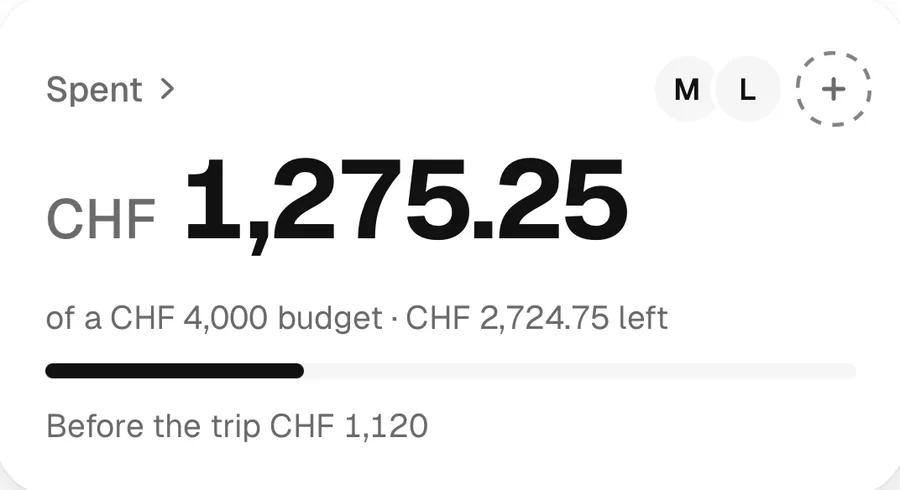
Note an expense or let the AI read a receipt. Travla converts, tracks what you have left and works out who owes what to whom.
144 currencies. Today's rate for the main ones, your own for the others.
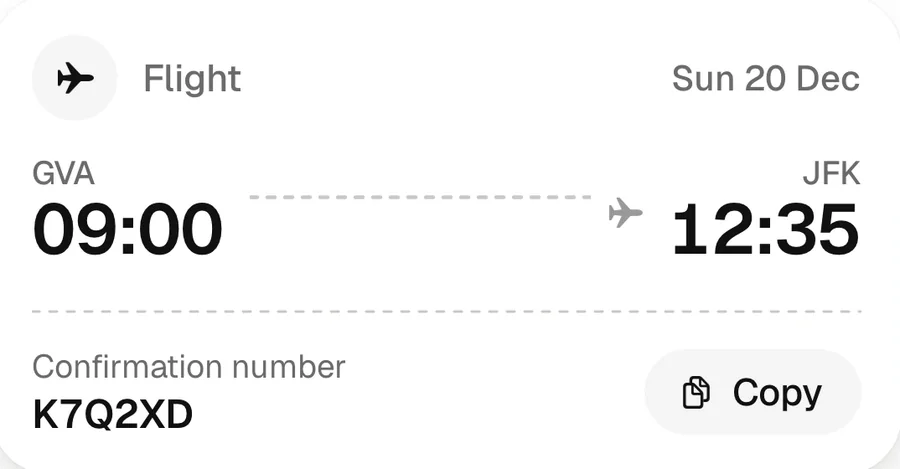
Flights, trains, hotels, cars. Add them by hand or let the AI read a screenshot, then send them to your calendar.
Passport, visa, insurance. The numbers stay in your iPhone's keychain. If you turn on reminders, Travla warns you 6, 3 and 1 months before they expire.

Back home1.2834 N 103.8607 E
Travla matches the date and place of your photos to your trip, on your phone. They sort themselves by day and by place. Nothing is sent anywhere.



Your globe fills in with your trips, or with a single tap. Across all 195 countries, the essentials at your fingertips: currency, plugs, time difference, best time to go.
Your map can be shared as a single image.
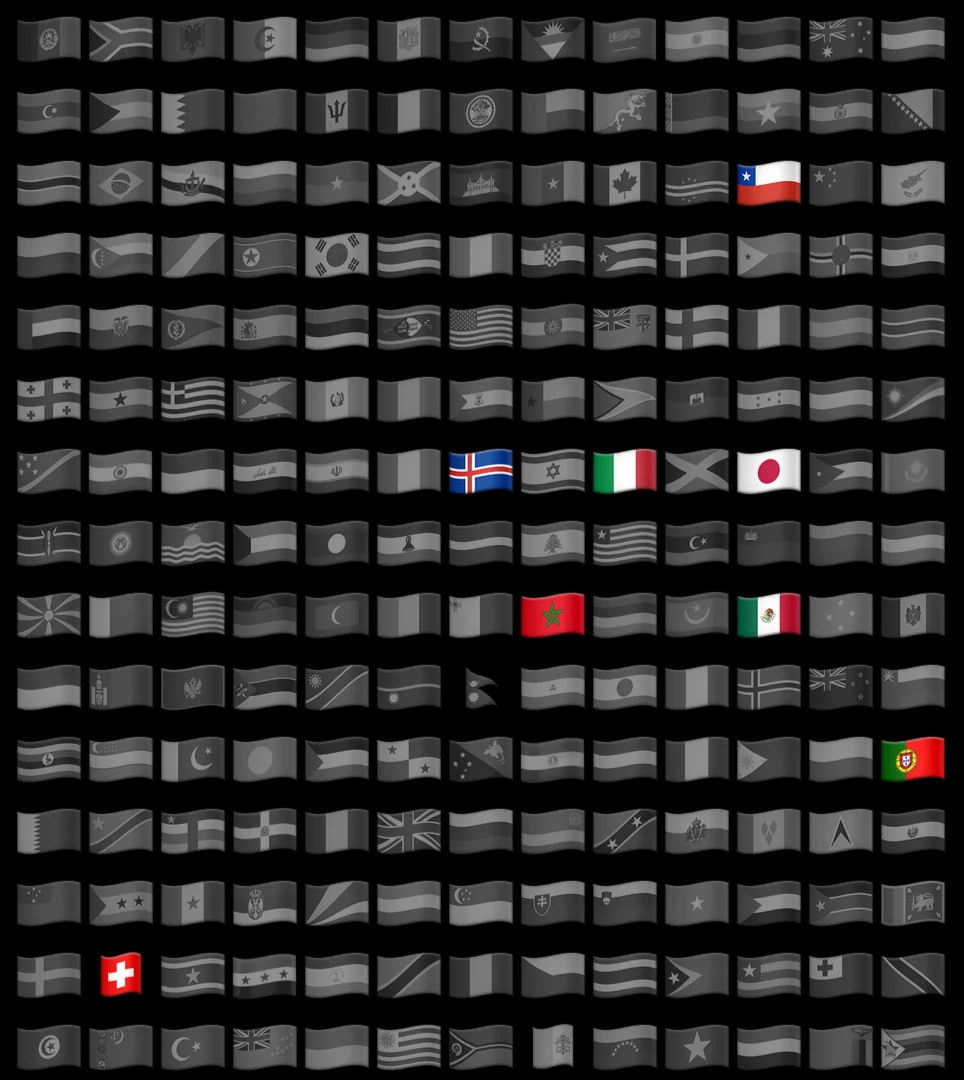
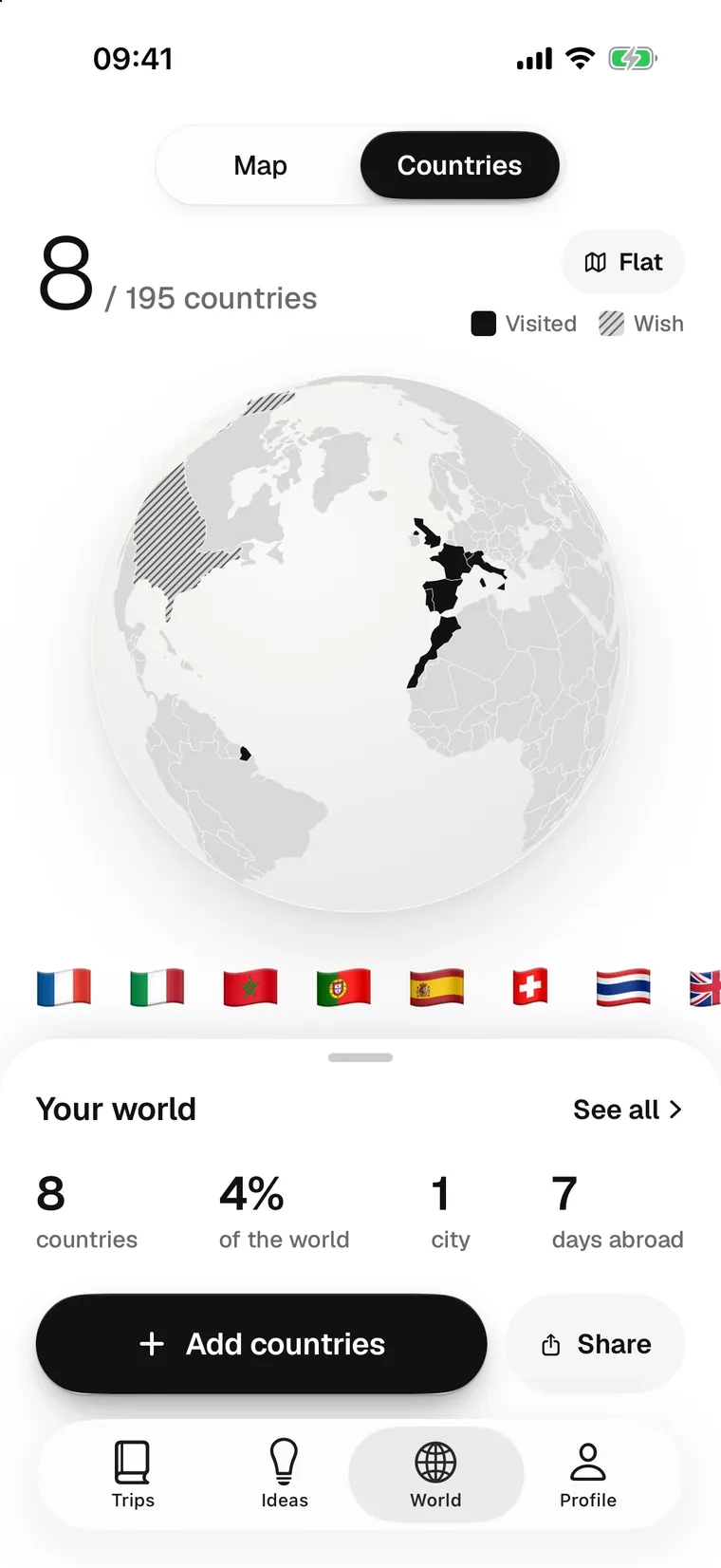
 18 countries
 in 42 days
No account to create, no ads. Your places, expenses, documents and photos are on your phone. When you ask the AI something, only the necessary text leaves, and Travla does not keep it.
A rooftop in Hong Kong seen in a TikTok, a café in Lisbon in a Reel: you saw them go by, then lost them. A simple way to keep those places and find them again the day you leave.
Jet lag can ruin the first days of a trip. Light, sleep, meals: what really helps your body switch to the new time.
A list of places isn’t a plan. A simple method to spread your wishes over the days, without rushing around or missing the essentials.
An iPhone app that keeps the places you spot on TikTok, in Instagram Reels or on Pinterest and organises your trip: day-by-day plan, bookings, budget, documents and photos, all in one place.
Under it, tap Share, then Travla. If Travla doesn’t appear, scroll the row of apps to More and add it. You can also paste a link in the Ideas tab.
It reads the text of a post and spots the places mentioned. It suggests a day-by-day plan at your pace, answers your questions about the trip, reads a booking or a ticket from a screenshot, prepares your packing list and sums up your trip. It suggests, you choose.
You put your places on the days, by hand or with the AI. Travla puts each day in the shortest order and draws the route on the map. Your bookings become tickets, your budget handles every currency, your documents stay behind Face ID and your photos sort themselves by day.
 From the same makers
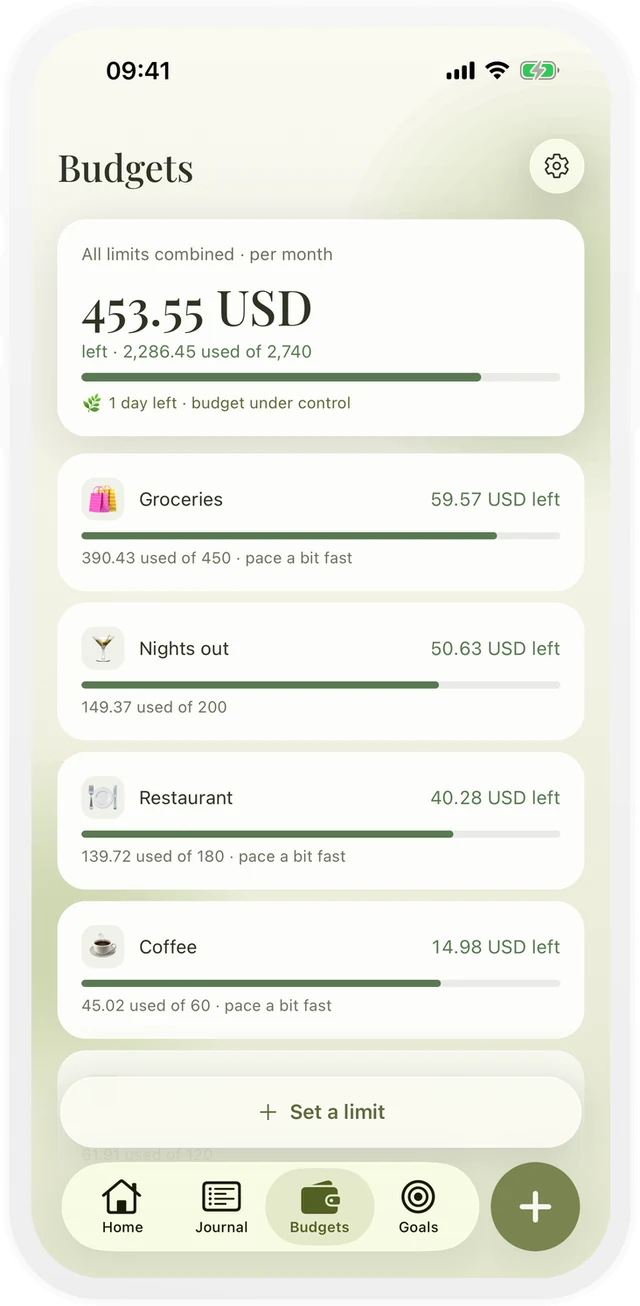
Monni, the budget app for iPhone: log an expense in two taps, set your limits and see what is left each month. No bank connection, no account.
Next departure67.9326 N 13.0886 E